

WAAVScript – Part 3, What’s an interned name?
This is perhaps a bit of an aside, but a worthwhile exploration of what makes a program more performant than usual.
The setup is this. In any language, there are ‘keywords’, things like ‘for’, ‘while’, ‘add’, ‘break’, etc. In the context of WAAVScript, there is a list of fixed words, and each word has behavior associated with it. Pretty early on, I had to decide, how am I going to associate those words with their behaviors.
There are two places where this association matters. At startup time, the keywords need to be associated with the appropriate function that implements the behavior. Then, when scanning user input, the names need to be isolated, and used as a key to lookup the behavior associated with the name. Perhaps the easiest way to do this is to simply use std::string as a key into a dictionary. Just create std::unorderd_map<std::string, behavior> structure, where ‘behavior’ is some sort of pointer to a function. In the first iteration of the WAAVScript interpreter, that’s exactly what I did. It’s super fast to code it up. You don’t worry about memory allocations, and magic just happens. But, it’s pretty darned slow in execution speed. It’s not the creation of the string objects themselves, its how they are used in the dictionary lookup that makes things slow.

WAAVScript – Part2, Scanning for Tokens
A journy of a thousand programs begins with the first scanner.
WAAVScript is an interpreted language. That means there is a runtime that looks at input text, and tries to figure out the bits and pieces you’re trying to execute right then and there. Scanning text is the cornerstone to how performant this process will be, so it has to be super blazing fast, not use up too much memory, and deal with all the little corner cases that might arise.
WAAVScript has a few core data types and constructs to deal with, which can roughly be summarized by the following, which is actual WAAVScript code.

WAAVScript – Part 1, Motivation
A catchy title for sure. A few years ago, I wrote a PostScript interpreter using the Lua language, and blend2d for graphics. The fruits of those labors ultimately turned into lj2ps. That interpreter worked fairly well, and it was my first attempt at doing some kind of language. For those who don’t know, PostScript was all the rage back in the 80s/90s, when laser printers first came on the scene. NeXT computers made it famous by supporting Dispaly PostScript for their then groundbreaking graphics display on their computers (shades of gray!!).
Well, six years later, and I’m still playing around with vector graphics, and I thought, but these days I’m doing a lot more C++ than lua development, so I thought I’d try to update the PostScript interpreter, with a twist. When I wrote the original, it was fairly focused time for about two weeks to get it running, and probably a few months to really flesh out all the quirks. I got pretty far, and for the most part could render about 90% of anything I saw in the wild. You’d be surprised what kinds of things are still done using PostScript. It’s not super difficult to migrate code from one language to the other, but lua has a certain memory management system, which I did not want to replicate, as well as an class system, which is not easy to do in C++, so I kind of wanted to start from scratch. But here’s the twist. Instead of just brute forcing it, and coming up with everything on my own, I wanted to leverage current AI tools to do it. Rather than just typing in all the code from scratch, I wanted to see how hard it is to prompt the AI tools to create the actual code for me.

CAI Wrote a PostScript Interpreter
A catchy title for sure. A few years ago, I wrote a PostScript interpreter using the Lua language, and blend2d for graphics. The fruits of those labors ultimately turned into lj2ps. That interpreter worked fairly well, and it was my first attempt at doing some kind of language. For those who don’t know, PostScript was all the rage back in the 80s/90s, when laser printers first came on the scene. NeXT computers made it famous by supporting Dispaly PostScript for their then groundbreaking graphics display on their computers (shades of gray!!).
Well, six years later, and I’m still playing around with vector graphics, and I thought, but these days I’m doing a lot more C++ than lua development, so I thought I’d try to update the PostScript interpreter, with a twist. When I wrote the original, it was fairly focused time for about two weeks to get it running, and probably a few months to really flesh out all the quirks. I got pretty far, and for the most part could render about 90% of anything I saw in the wild. You’d be surprised what kinds of things are still done using PostScript. It’s not super difficult to migrate code from one language to the other, but lua has a certain memory management system, which I did not want to replicate, as well as an class system, which is not easy to do in C++, so I kind of wanted to start from scratch. But here’s the twist. Instead of just brute forcing it, and coming up with everything on my own, I wanted to leverage current AI tools to do it. Rather than just typing in all the code from scratch, I wanted to see how hard it is to prompt the AI tools to create the actual code for me.

Challenging Assumptions for Better Software
Software development is a lonely quiet art where souls can easily be crushed into despair. Other hand, it’s also a place where an individual, or team, can rise to levels of triumph and creation that can feel earth changing at times.
As a largely solo developer, I find myself zeroing in on challenges that really don’t warrant the attention that I give them, but I just can’t let them go. Case in point, I’ve been playing with SVG parsing for the past couple of years because I’ve chosen this format as the best way to represent vector graphics in the apps that I develop.
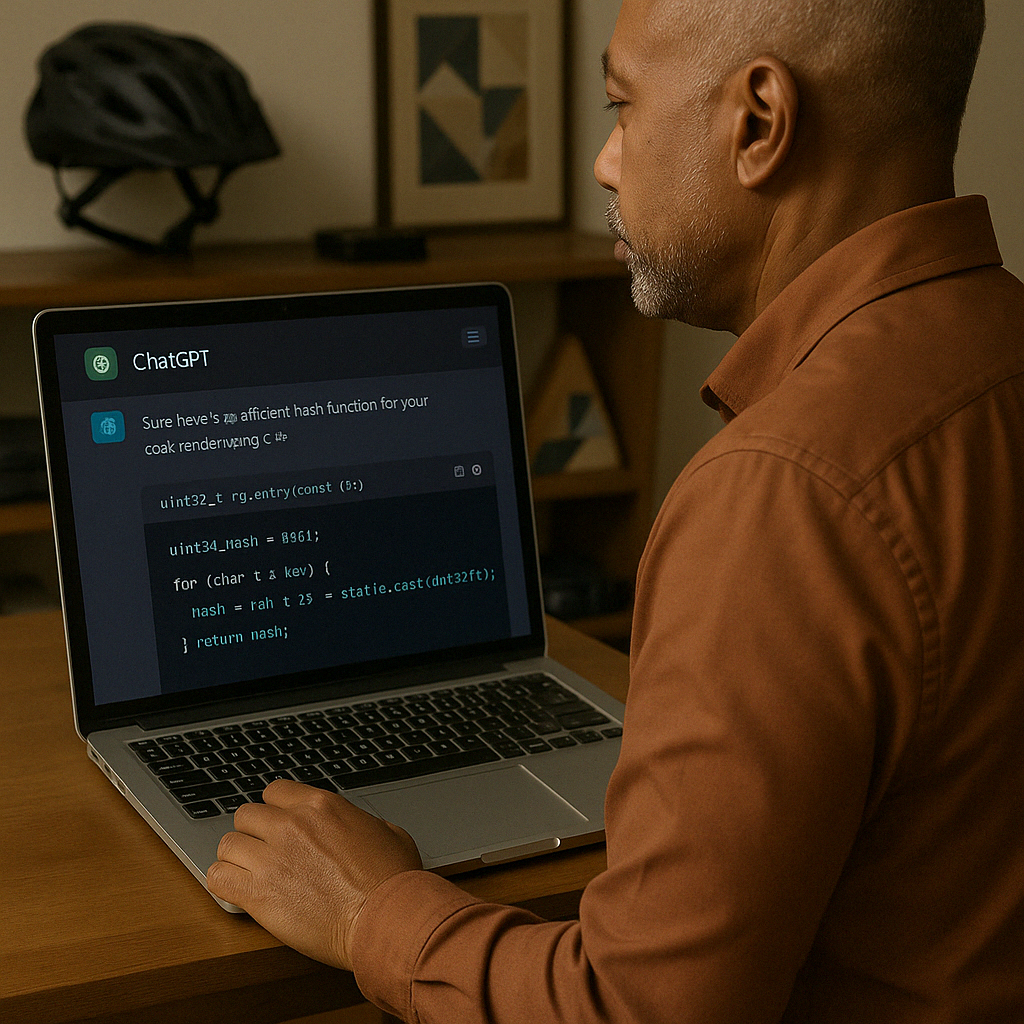
Two Years with a GPT
My first experience with a “GPT” was copilot, integrated into Visual Studio Code. I was working inside Microsoft, and the dates seem fuzzy now, but it’s been roughly two years. What is a “GPT” anyway? Generative Pre-Trained Transformer. It says what it is right on the box. Well, at least in nerd speak. Let’s break it down though, because it’s instructive as to the state of “AI” at the moment.

Machine, Heal Thyself…
A brief word about imagery. I’ve never been a visual artist. The only ‘art’ I generate is code and prose. So, it pleases me to no end that I can actually generate interesting images through ‘prompting’ from within WordPress itself. The prompt that lead to the above image:
an image of a humanoid robot sitting under a tree. The robot has a tablet computer in their hands, which has a wire connected to the back o their head. They are clearly altering their own code, as they attempt to make improvements
I like that, because I can fiddle with the prompt a bit, and come up with an image that fairly matches the sentiment I was trying to capture in that moment. That’s as far as I have taken the usage of “AI” in my writing. I don’t use it to come up with outlines, or to fill in chunks of text. That’s still just my freeform mind doing it. But, for how long?